TPMS Service on Trailers
via Mobile App
All commercial vehicles manufactured from July 2024 onwards are equipped with tire pressure sensors and a receiver- often our TireCheck CAN-Bridge. This transmits tire pressure and temperature data to the vehicle’s EBS system.
How do you correctly document the new wheel position after a tire service? And how do you ensure that the tire pressure monitoring system (TPMS) continues to operate without errors?
In this article, we show step by step how digital TPMS service on trailers works.
Many trailer manufacturers equip their vehicles with tire pressure sensors and a CAN-Bridge.
The CAN-Bridge is the receiver for the TPMS sensors. It:
receives pressure and temperature data,
processes this data,
and transmits it to the EBS system.
If the wheel position is changed during tire service (e.g. swapping from left to right on an axle), this change must be communicated to the CAN-Bridge. Otherwise, incorrect readings or warning messages may occur.
STEP-BY-STEP
TPMS Service via App
TPMS service on trailers/trucks is conveniently carried out via a mobile app.
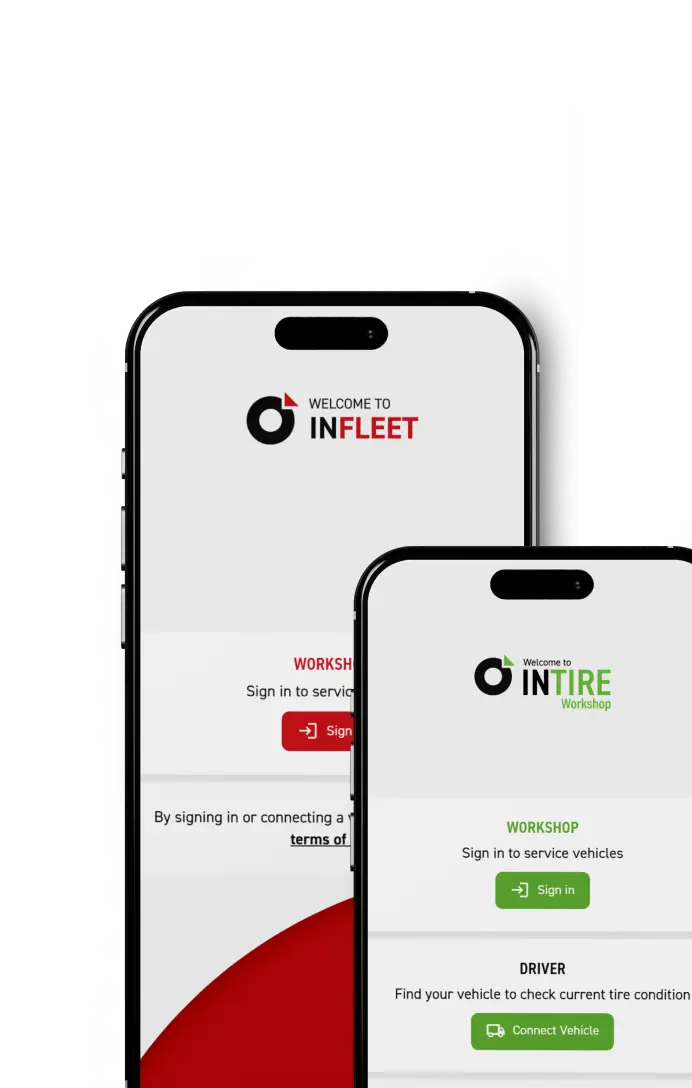
1. Download and register the INTIRE Workshop app
The INTIRE Workshop TPMS service app is available free of charge:
in the Google Play Store (Android)
in the Apple App Store (iOS)
2. Connect to the trailer
There are two ways to identify the vehicle in the app:
Option 1: Scan the sticker
A label is attached to the trailer containing:
the vehicle identification number (VIN)
or the CAN-Bridge serial number
This number (included in the QR code) can be scanned directly with the app using a smartphone.
Option 2: Select vehicle via Bluetooth
The app automatically displays nearby trailers with their VIN.
By selecting one, the app connects to the CAN-Bridge via Bluetooth.
All current sensor data is then displayed:
Tire pressure
Temperature
Status of each individual wheel
3. Perform TPMS service (change wheel position)
After a tire service—for example, swapping two wheels on an axle – the configuration is updated:
Select the “TPMS Service” menu item
Swap the affected wheels (e.g. left/right)
Save changes
The sensor assignment is updated automatically.
4. Generate a PDF service report
After completing the TPMS service, the system generates a PDF report.
This includes:
Documentation of the work performed
Information on swapped wheels
Adjustment of target pressure (if applicable)
Proof of system update
The report can be sent directly to the customer via email or stored in the vehicle file.
This ensures transparency, traceability, and professional service quality.
In this article:
Share this article:
WICHTIGE FAQs
When Should TPMS Service Be Performed on a Trailer?
TPMS service is required whenever the wheel position is changed, for example when swapping wheels between the left and right side or when changing axles. It should also be performed after replacing a sensor or when system error messages occur, to ensure the configuration is checked and updated.
What Is the CAN-Bridge and What Is Its Function?
The CAN-Bridge is the receiver for the tire pressure sensors on the trailer. It collects pressure and temperature data from each wheel and transmits it to the EBS system. Without a properly functioning CAN-Bridge, reliable TPMS data transmission is not possible.
How Do You Connect to the CAN-Bridge / Trailer?
The connection is established via a smartphone app using Bluetooth. Either the sticker with the vehicle identification number or the serial number is scanned, or the trailer is selected directly from a list of available vehicles within the app.
Can TPMS Service on a Trailer Be Performed Without Specialized Tools?
No specialized tools are required. All tasks can be carried out free of charge using the INTIRE Workshop app. It is recommended to use the TireCheck Pocket Trigger to communicate with the sensors on the wheels. This simplifies the process and reduces the error rate.
What Are the Benefits of Digital TPMS Documentation?
Digital documentation ensures transparency and legal certainty. Workshops receive an automatically generated PDF report that clearly documents all work performed.
Is TPMS Service the Same for All Trailers/Trucks?
For trailers equipped with TireCheck sensors and the CAN-Bridge, TPMS service works as described above. For Schmitz Cargobull trailers, sensors can be updated via the telematics portal. For trailers equipped with Wabco OptiTire, the use of the Wabco diagnostic tool is required. Truck manufacturers use different procedures to perform TPMS service. If you have any further questions, feel free to contact us at any time.